

Affiliate disclosure: This article contains affiliate links. If you sign up through our link and later make a qualifying purchase, Digital Nomad Clips may earn a commission at no extra cost to you.
You made the video. Someone watched it. Now what? For creators, a useful next step is giving interested viewers a reason to stay connected: a checklist, a short guide, or a template that solves one specific problem.
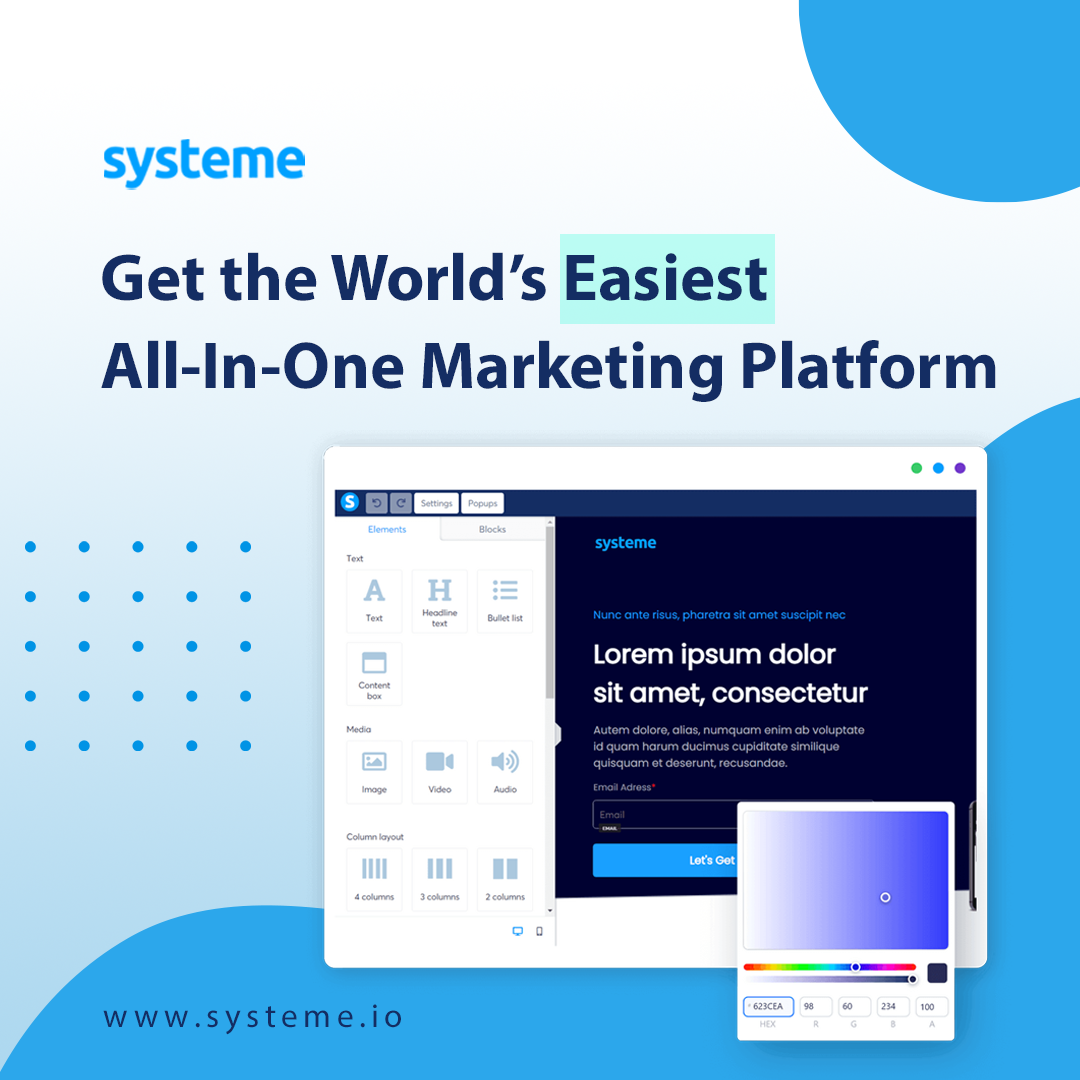
Systeme.io brings landing pages, email marketing, sales funnels, and digital-product tools into one platform. It offers a free plan, with limits that you should compare against your needs before building. We used it to build the Digital Nomad Clips creator-checklist signup and tested the automatic welcome email. Here is how that workflow works.
Try the example: Get the free Before You Publish creator checklist. Check your hook, captions, framing, audio, and next step before your next Reel, Short, or TikTok. Signing up also adds you to our occasional creator tips; you can unsubscribe anytime.
What is Systeme.io?
Think of it as a place to connect three parts of an online business: a page where someone signs up, an email that helps them take the next step, and an offer they can choose to buy. Its features also include website and course tools. You can explore the current plans and feature limits before deciding whether it fits.
You do not need to move an existing WordPress blog to test this idea. Your blog can introduce a resource and link readers to a separate signup page.
A simple creator example: one checklist, one helpful follow-up
Our Before You Publish checklist covers five final checks: hook, captions, framing, audio, and next step. It is a webpage you can bookmark, rather than a PDF download.
After signup, the checklist opens immediately. An automatic welcome email sends the link again. We tested that full journey using our own address and confirmed the email arrived. A second email is configured for one day later to explain the setup and introduce Systeme.io through our affiliate link. That second email is active; its scheduled delivery had not occurred when we published this walkthrough.
The free resource has a clear job: help someone publish a better clip. The follow-up offers a relevant tool for creators who want to build their own signup-and-email workflow. A future paid guide could add examples or worksheets, but an email signup itself is not a sale, and this test does not demonstrate earnings.
Plan the workflow before building it
- Choose one audience and one problem. “New creators who forget their final checks” is more useful than “everyone who wants to make money online.” Write down the result your resource helps someone achieve.
- Create the resource. Keep it short enough to use immediately. A checklist people finish can be more valuable than a long document they never open. Test every link in the file.
- Write a focused signup page. Explain what the visitor receives, who it is for, and how it helps. Use one clear button such as “Send me the checklist.” Make the email signup expectations clear.
- Prepare the delivery email. Put the download link near the top. Give one suggestion for using the resource today. Test the full journey using your own email address before sharing the page.
- Write a useful follow-up. Answer one common question or show a worked example. Then, if relevant, introduce your paid guide with a clear description of what it includes and its price.
- Connect one piece of content. Publish a blog post or short video about the same problem and point interested readers to the resource. Start with one route you can test and understand.
How to connect the signup to your emails
For a delivery email plus a follow-up, create an email campaign first. Put the checklist link in the opening message and schedule your helpful follow-up after it. Then create one automation rule: choose Funnel step form subscribed as the trigger, select your signup page, and choose Subscribe to campaign as the action. Select your campaign and save the rule. See Systeme.io’s campaign automation instructions.
If you only need one delivery email, the alternative action is Send email. Your signup button must use the Submit form action. Test by signing up through the published page and checking that the message and download arrive. Systeme.io documents a 5 MB attachment limit; a download link is also an option. See the automatic delivery email guide.
What the free plan covers—and the setup to do first
As checked on November 4, 2026, the pricing page lists up to 2,000 contacts, three sales funnels, one email campaign, one automation rule, and unlimited email sends on the free plan. Those limits suit testing a focused signup-and-follow-up workflow. Check the current pricing page before building additional automations.
Email sending also needs setup: authenticate your sending domain and confirm its sender email address. Signing into your account is not the same as completing those steps. Follow the domain authentication guide using the records generated for your own account. If you already have email services on that domain, preserve their existing records and ask support when a record conflicts.
What to say on the signup page
Here is sample copy you can adapt:
Ready to publish your next short video?
Get a simple checklist for checking your hook, captions, framing, audio, and next step before you post.
If you intend to send additional marketing emails, say so clearly. Do not promise a free resource and then surprise subscribers with unrelated promotions.
Measure the steps that tell you what to improve
Start with page visits, completed signups, download-link clicks, and purchases. Each number answers a different question. Visits with few signups may mean the page does not explain the resource well. Signups without download clicks may point to a delivery problem. Downloads without purchases may mean the paid offer needs a clearer purpose or better fit.
A small audience makes these numbers noisy, so use them to identify questions rather than promise yourself a certain income. Software can help deliver an offer; it cannot guarantee demand or sales.
Start small and check the details
Before paying for a plan, check contact and automation limits, your payment-processing needs, and how you will deliver the product. Build a test version, read it on a phone, and confirm that the signup and delivery steps work. Never use customer information in public demonstrations.
For more ideas on connecting content across platforms, read Blogging Is Back: Turn One Article Into a Week of Content.
Try the free account
If this workflow fits your plans, explore the tools before committing to a paid subscription.
Start a free Systeme.io account through our affiliate link
Your first goal is simple: give one interested reader a useful resource and a clear next step.