

Affiliate disclosure: Digital Nomad Clips may earn a commission if you purchase through links in this article.
Ever had a potential client send you a message, answer half your questions, and disappear into your inbox? A short inquiry form gives that conversation a clear starting point.
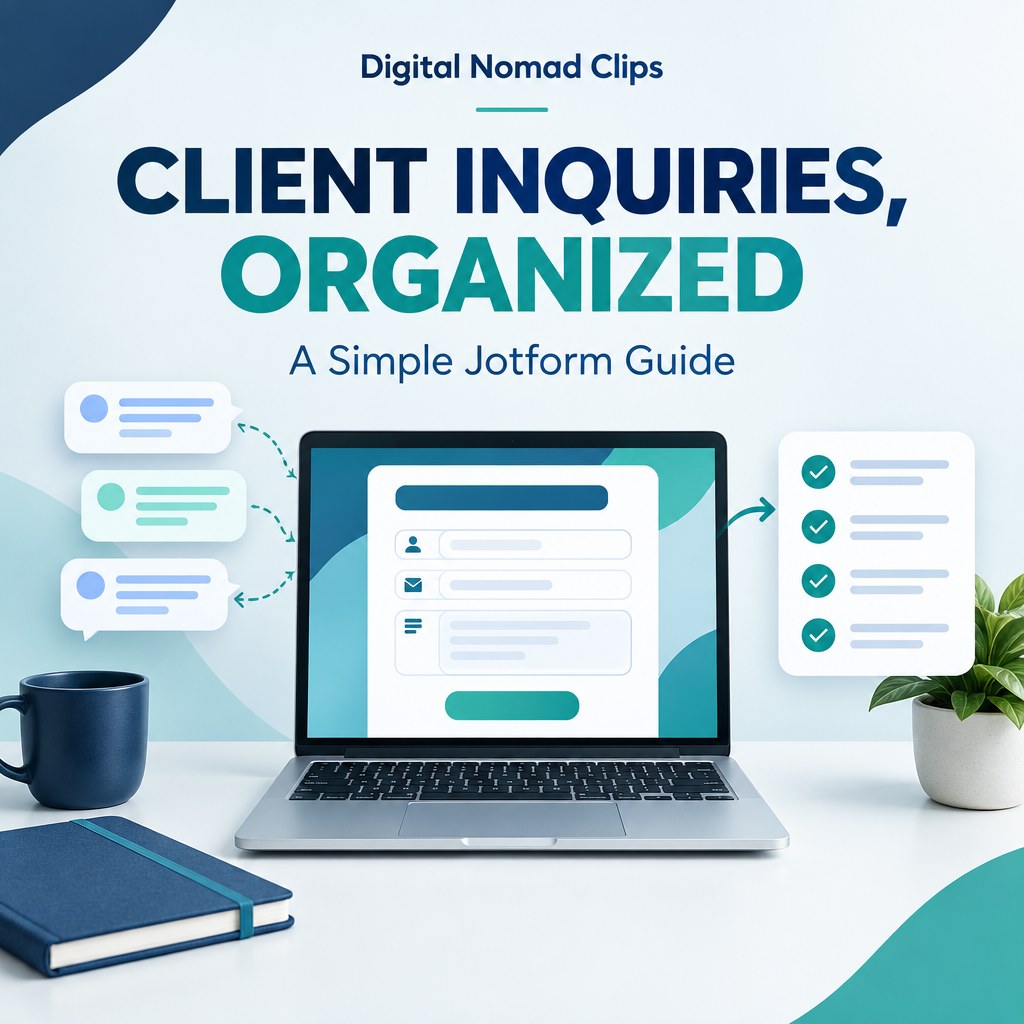
Jotform is one option for building forms without coding. We created a simple demonstration for video-service inquiries so you can see how the process works. Here is a practical setup you can adapt for your own business.
Explore Jotform and its free Starter plan.
Start with one purpose
For our example, the job is collecting requests for short video clips, captions, or video editing. Ask for enough information to understand the project without making someone complete a long questionnaire. An inquiry is a conversation starter, not a confirmed booking.
Six questions for a simple client inquiry form
- Name: What should you call the person?
- Email: Where can you reply?
- Service: Do they need short video clips, captions, editing, or something else?
- Project details: How many clips do they need, and where will they post them?
- Timeline: When would they like the work completed?
- Optional budget range: What range are they planning for?
Make the project question easy to answer. “How many clips do you need?” is more specific than “Tell us everything about your business.” Keep the budget question optional if people may need your help understanding the scope.
Try our demonstration
Open the Digital Nomad Clips client inquiry demo. Use fictional details only. This form is for demonstration; it does not book editing services.
The demo includes service choices, a project description, a desired timeline, and an optional budget. Its confirmation says, “Thanks for trying this demo. This is not a booking.” We tested that submission flow before sharing it.
Build your own form
Choose a contact or inquiry template in Jotform, change the questions, and add your business name. Jotform supports sharing a form link and embedding a form on a website, including on its free plan.
Write a short introduction explaining what the form is for. Use a specific button such as “Send inquiry.” On a real business form, tell people how you will use their information and link to your privacy policy. Only collect what you need to answer the inquiry.
Test before you share
- Open the form on your phone and check whether every question is readable.
- Submit a clearly labeled test inquiry.
- Confirm that you can find the response and that notifications work as you intend.
- Check the confirmation message. Only promise a response time you can consistently meet.
- Ask someone to try it without instructions. Simplify anything that makes them hesitate.
Start free and check the limits
Jotform offers a free Starter plan with usage limits and branding. Paid plans increase limits and remove branding. Compare the current plan details with your needs before subscribing; you do not need to buy a plan just to explore the builder.
Try Jotform for your own inquiry form. This is our affiliate link; we may earn a commission if you purchase.
Give the form a clear invitation
Place your form link beside a relevant description of your services. For example: “Need help turning a long video into short clips? Tell us about your project.” Explain what happens next, then follow through.
A form helps organize inquiries. Your offer, the people who see it, and your follow-up still determine whether those inquiries become clients. For your first week, track useful conversations and completed inquiries, then adjust your questions based on what you learn.
Checked November 8, 2026. Sources: Jotform pricing and plans and Jotform embedding guidance.