

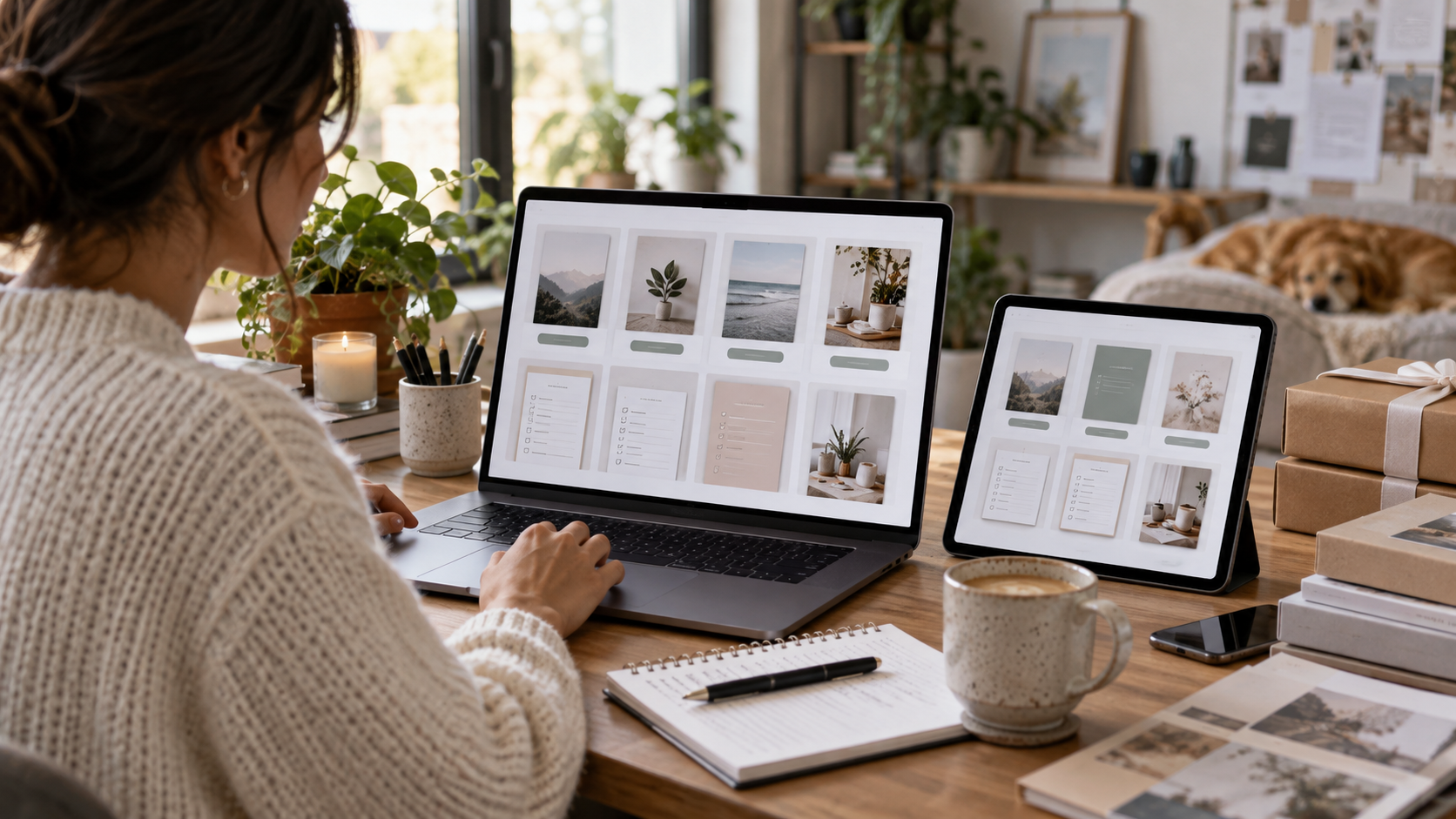
A digital product is not finished when the design looks good in the editor. It is finished when someone can receive the files, understand what to do, and use them as described. A buyer-style test helps you find problems while they are still easy to fix.
Start with the delivery package
Put the final files in a fresh folder. Use readable filenames, remove draft versions, and include a short instruction file. If the product arrives in a ZIP, extract a new copy and work from that copy. This catches missing files and helps you see the package as a customer would.
Read the instructions without filling in the gaps
The instructions should explain what is included, which files to open, whether printing is required, and whether anything is editable. Say what kind of editing is supported. A PDF with fillable text fields is different from a design template with movable artwork. Make the listing and instructions describe the same product.
Use every kind of page
For a planner, complete a sample entry. Check that writing areas are large enough and labels are readable. For a checklist, follow the sequence and look for missing steps. For a worksheet with calculations, check the example arithmetic independently. Do not assume repeated pages are correct simply because the first one is.
Test the promised format
If printing is part of the offer, print representative pages at the intended size. Look for clipped edges, faint text, tiny instructions, and heavy backgrounds. If fields are editable, enter text, save the file, close it, and reopen it. Test the actual viewing software you plan to name in the instructions, and describe any known limits.
Compare the product with the listing
Count the pages and distinguish instruction pages from reusable worksheets where that matters. Verify sizes, filenames, included extras, and preview images. Remove placeholder text and working notes. If a preview shows something that is not included, change the preview or explain the distinction clearly.
Keep a final release note
Record the product name, version, test date, and issues corrected. Keep the tested release separate from your working copy. After making a later edit, repeat the checks affected by that change. A new font can change spacing; a new page can change page counts; a new export can affect fields. Finish by asking one question: could a first-time buyer use this without asking me to explain a missing step?
