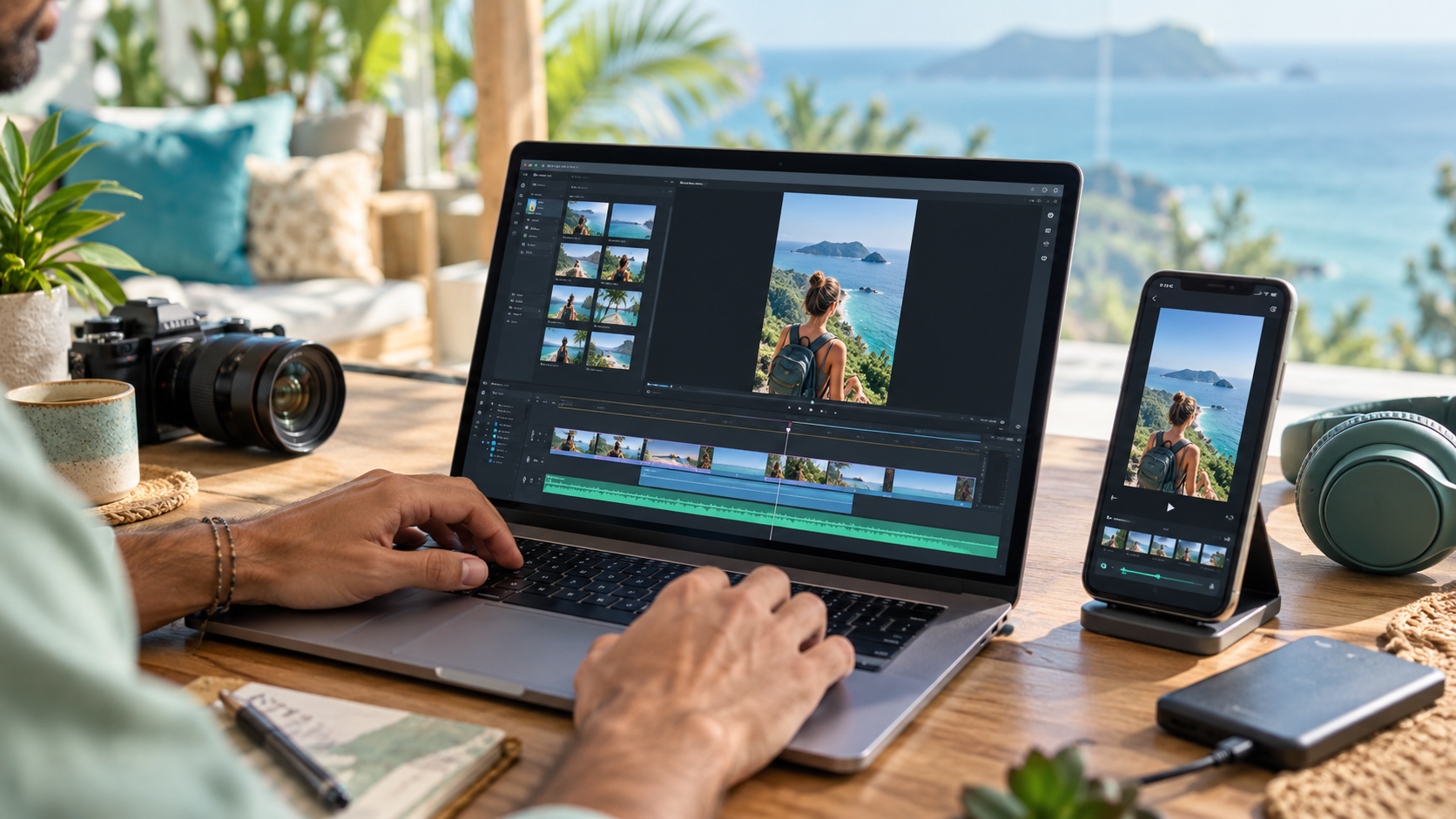


Learning to edit short-form videos is easier when you know which mistakes slow beginners down. Most early problems are not caused by a lack of expensive equipment. They come from unclear choices, rushed editing, or skipping the final review.
Here are seven common mistakes and practical ways to avoid them.
1. Starting Without a Clear Point
A clip should deliver one main idea, useful tip, story, reaction, or answer. If viewers cannot quickly understand what the video is about, they are likely to keep scrolling.
Before editing, write one sentence that explains what the viewer will get from the clip. Use that sentence to decide what stays and what gets removed.
2. Taking Too Long to Reach the Interesting Part
Long greetings, background explanations, and slow introductions can weaken an otherwise valuable clip.
Look for the earliest moment that creates curiosity or delivers value. You can sometimes move the strongest statement to the beginning, provided the edit remains accurate and does not distort what the speaker meant.
3. Using Captions Without Checking Them
Automatic captions are helpful, but they are not perfect. Misspelled names, incorrect numbers, and misunderstood words can make a professional-looking video feel careless.
Read every caption while listening to the audio. Correct mistakes, break long sentences into readable sections, and make sure the timing matches the speech.
4. Placing Text Where Platform Buttons Cover It
Social platforms place usernames, captions, icons, and navigation elements over parts of a vertical video. Important words near the edges may be difficult to read.
Keep essential text in a safe central area. Preview the finished clip on a phone before posting whenever possible.
5. Adding Too Many Effects
Transitions, zooms, sound effects, colors, and animated text can be useful, but using all of them at once can distract from the message.
Start clean. Add an effect only when it improves understanding, emphasizes an important moment, or supports the pace of the video.
6. Ignoring Audio Quality
Viewers may tolerate imperfect video longer than unclear audio. Background noise, sudden volume changes, or music that covers speech can make people leave.
Use headphones during your review. Adjust levels so the speaker remains easy to understand from beginning to end.
7. Exporting Without Watching the Final Version
A clip can look correct on the editing timeline and still contain a frozen frame, mistimed caption, awkward ending, or export problem.
Watch the exported file completely before delivering or posting it. This final check is one of the simplest ways to protect your reputation.
Bonus Mistake: Using Content Without Permission
Finding a video online does not automatically give you permission to edit, repost, or monetize it. Work with your own content, client-provided footage, or material covered by a clear authorized clipping program.
Read the program or client terms carefully and keep records of the permission you received.
Build a Repeatable Review Checklist
A simple checklist can prevent most beginner errors: clear point, strong opening, accurate captions, safe text placement, balanced audio, authorized content, and a complete export review.
If you need a step-by-step editing workflow, use our beginner CapCut tutorial. You can also review How to Start Short-Form Video Clipping for the bigger picture.
Mistakes are part of learning. The goal is not to avoid every imperfect first attempt; it is to notice what happened, improve the next clip, and keep practicing.
Practice honest hooks to make the opening clear without exaggerating the message.
Browse the free creator resource library for related articles and video lessons, and choose one step to try next.