

It’s easy to believe you need thousands of dollars in equipment before you can create professional-looking online content.
You don’t.
If you’re learning short-form video clipping or content creation, starting simple can actually be an advantage. You can learn the skill before spending money on equipment you may not need.
Here’s a practical beginner setup.
1. A Computer or Smartphone
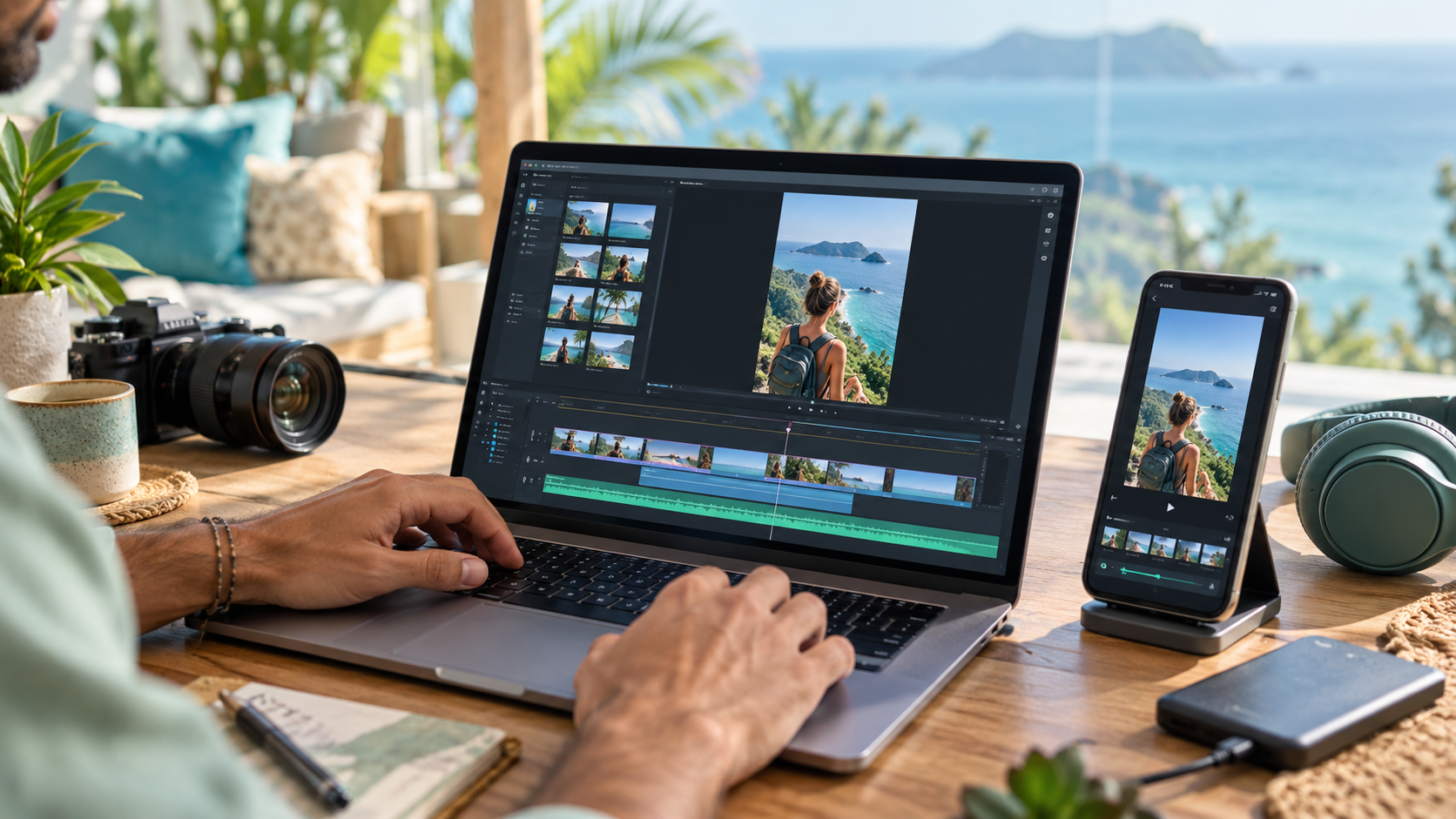
You can edit short-form videos on either.
A smartphone can handle an impressive amount of content creation today. A computer can make longer editing sessions easier and give you more screen space.
If you already own a capable device, start there before buying something new.
2. Video-Editing Software
One beginner-friendly option is CapCut, which offers tools for trimming video, changing formats, adding text, creating captions, and exporting content for social platforms.
There are many other editing programs available as well. The “best” software is often the one you can actually learn and use consistently.
3. Headphones
Headphones make it much easier to catch background noises, awkward cuts, quiet speech, and other audio problems before publishing.
They don’t have to be expensive.
4. A Microphone — Eventually
If you’re clipping existing authorized content, you may not need a microphone at all.
If you start recording voiceovers, tutorials, interviews, or your own videos, improved audio can be one of the first worthwhile upgrades.
But again, learn before you overspend.
5. A Simple Light and Tripod
If you’re going to appear on camera, good lighting can improve a video dramatically.
Before buying professional lighting, try positioning yourself near a window with natural light.
A simple phone tripod can also make recording much easier and more consistent.
6. Storage and Organization
Video files can get large quickly.
Create an organized system from the beginning. Separate original footage, works in progress, completed clips, thumbnails, and other assets.
As your library grows, you may eventually want external or cloud storage.
What You Don’t Need
You don’t need a $3,000 computer, professional camera, studio lighting, expensive microphone, and six monthly software subscriptions just to find out whether you enjoy creating content.
Start with what you have.
Upgrade when you can identify a specific problem that an upgrade will solve.
Build Skills Before Building a Shopping Cart
There’s always another gadget somebody will tell you that you “must have.”
Don’t confuse buying equipment with building a business.
Your ability to recognize an interesting moment, create a strong opening, edit cleanly, use readable captions, and understand an audience will matter more than having the fanciest equipment.
As Digital Nomad Clips tests tools and equipment, we’ll share the ones we believe are genuinely useful — including budget-friendly options for beginners.
Follow the CapCut beginner tutorial to put your existing setup to use. If a specific equipment gap comes up, browse our shop and resource picks. Start with what you own and check suitability and current retailer prices. The shop includes affiliate links; as an Amazon Associate we earn from qualifying purchases. Read our affiliate disclosure.
Use the beginner mistakes checklist before publishing your first clip.
Plan a realistic content calendar around the time you have available.
If you plan to publish to several platforms, explore Metricool for organizing your posting calendar. Affiliate disclosure: We may earn a commission on qualifying purchases through this link, at no additional cost to you.
Browse the free creator resource library for related articles and video lessons, and choose one step to try next.