

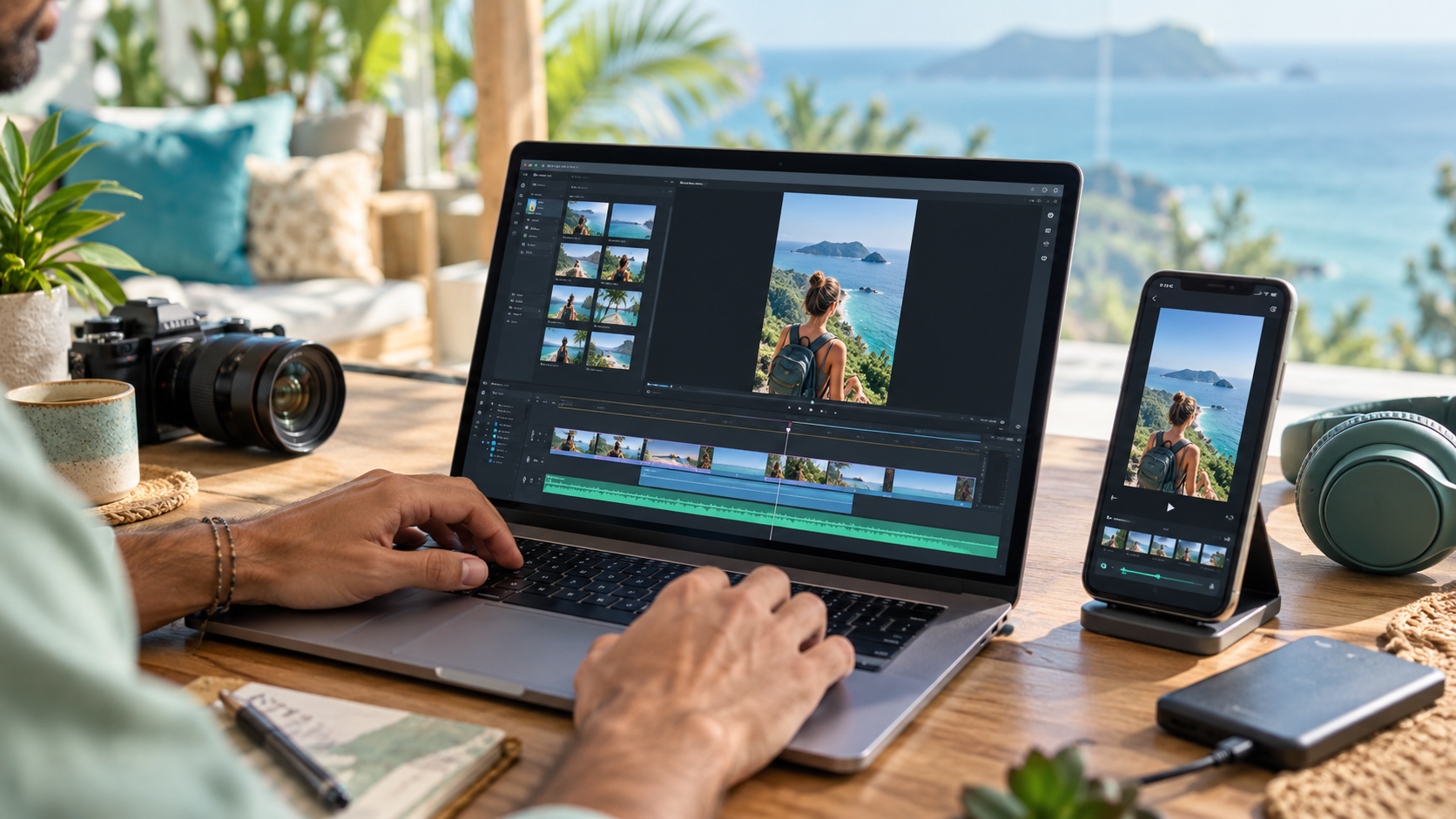
Short-form video is everywhere. If you’ve been scrolling through TikTok, Instagram Reels, Facebook Reels, or YouTube Shorts, you’ve already seen video clipping in action.
A creator records a podcast, interview, tutorial, livestream, or longer video. Then the best moments can be turned into short, attention-grabbing clips that reach an entirely new audience.
And here’s the good news: you don’t need an expensive studio or years of editing experience to start learning.
At Digital Nomad Clips, we’re all about making content creation easier to understand — especially for beginners.
What Is Video Clipping?
Video clipping is the process of taking longer video content and turning the most interesting, entertaining, educational, or useful moments into shorter videos.
A 60-minute podcast, for example, might contain several moments that could become 30- to 90-second clips.
Those clips can then be formatted for platforms such as TikTok, Instagram Reels, Facebook Reels, and YouTube Shorts.
What Do You Need to Get Started?
You don’t need a professional editing studio.
A beginner can start with a computer or smartphone, an internet connection, video-editing software such as CapCut, and content you have permission to use.
As you improve, you may decide to add better equipment and paid software, but don’t let a lack of expensive gear keep you from learning the basics.
What Makes a Good Clip?
The best clips usually have a reason to keep watching.
That could be a surprising statement, useful tip, funny moment, strong opinion, interesting story, or answer to a question people genuinely care about.
The opening seconds are especially important. Learn what makes a good hook before choosing your opening. If nothing captures the viewer’s attention, it’s very easy to keep scrolling.
Good captions can also make a big difference because many people encounter videos while their sound is turned down.
Can You Make Money Clipping Videos?
Potentially, yes. But clipping isn’t an instant-money button.
Some people develop editing skills and offer short-form content services to creators or businesses. Others create content for their own brands, build audiences, promote products through affiliate marketing, or develop other income streams around content creation.
The important part is developing a useful skill first.
For a practical overview, read our realistic beginner plan for making money clipping videos. Be cautious of anyone promising guaranteed income or effortless money. Building a real online business takes learning, practice, consistency, and experimentation.
What About Copyright?
This part matters.
Finding a video online does not automatically give you permission to download it, edit it, and monetize it.
If you’re creating clips for a client, using your own content, or participating in a program that specifically authorizes clipping, the situation is much clearer.
Before using someone else’s content, understand what you’re permitted to do with it.
Your First Goal
Don’t worry about becoming an expert immediately.
Your first goal can be simple: learn how to take one piece of video, identify an interesting moment, trim it, format it vertically, add readable captions, and export a finished short-form clip.
Once you can do that confidently, you have a foundation to build on.
What’s Next?
Digital Nomad Clips is being built for people who want straightforward information about video clipping, content creation, online opportunities, and the tools that make the process easier.
We’ll continue sharing beginner-friendly guides here as we build out our more detailed training.
You don’t need to know everything before you begin. You just need somewhere to start.
Choose your next practice step
Explore the free creator resource library for articles and video lessons you can use while completing your first clip.